Launcher
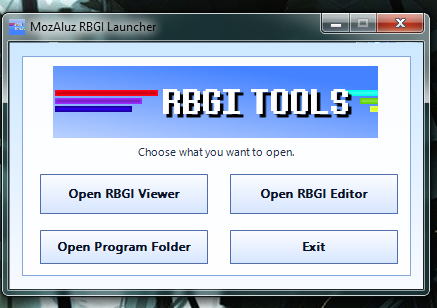
A small Win32 launcher that lets you choose between opening the RBGI Viewer, opening the RBGI Editor, opening the program folder, or exiting. It uses the custom RBGI Tools banner and logo to make the package feel like one complete toolset.
Custom image tools for render backgrounds and skybox-style previews
MozAluz RBGI Tools is a Windows desktop toolkit for creating, editing, previewing, and managing .RBGI files. RBGI stands for Render Background Image, a custom image type made for render backgrounds, SkyBox images, OpenGL previews, and future graphics tools.
New open-source part
The .RBGI Format SDK now has its own page on this website. The SDK is the open-source part of the project and contains the format-side code for reading, writing, and understanding real RBGI files. The Viewer and Editor remain official closed-source tools.
A small Win32 launcher that lets you choose between opening the RBGI Viewer, opening the RBGI Editor, opening the program folder, or exiting. It uses the custom RBGI Tools banner and logo to make the package feel like one complete toolset.
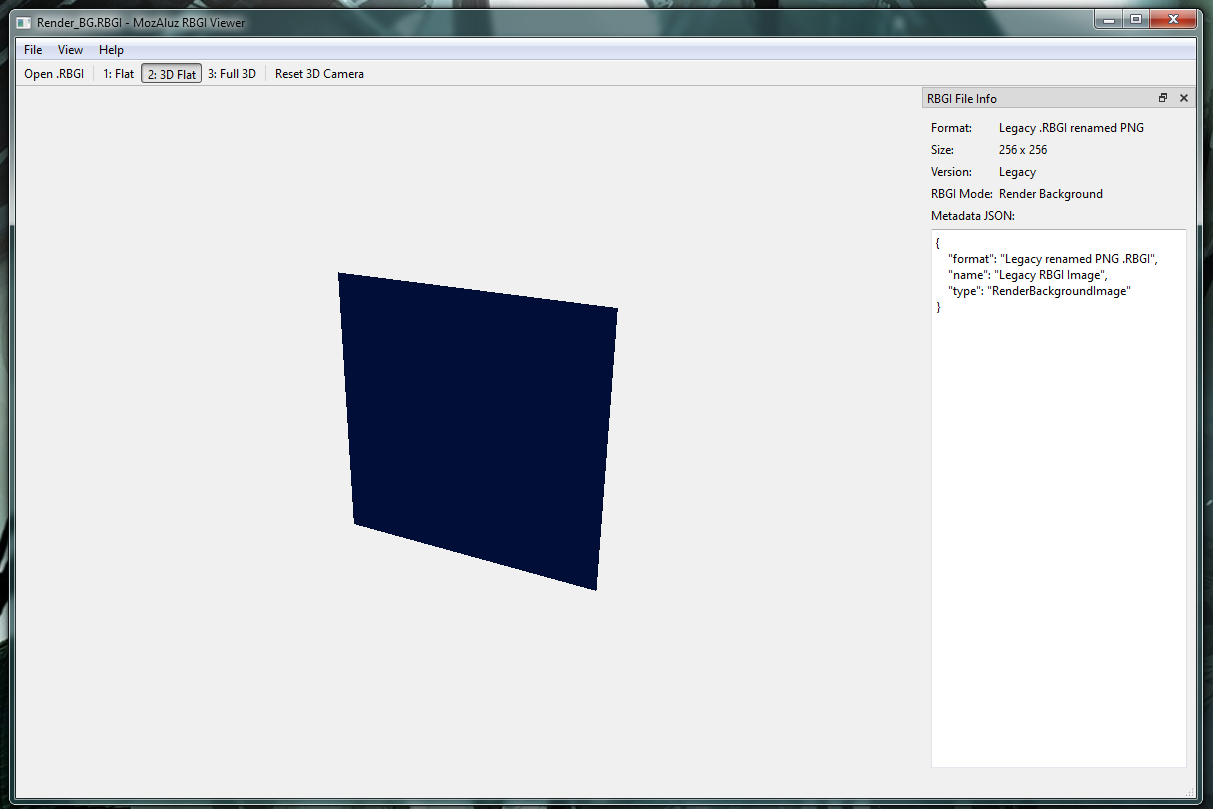
A dedicated .RBGI viewer with Flat, 3D Flat, and Full 3D viewing modes. It can open legacy renamed-PNG .RBGI files and real RBGI v1 files with embedded metadata.
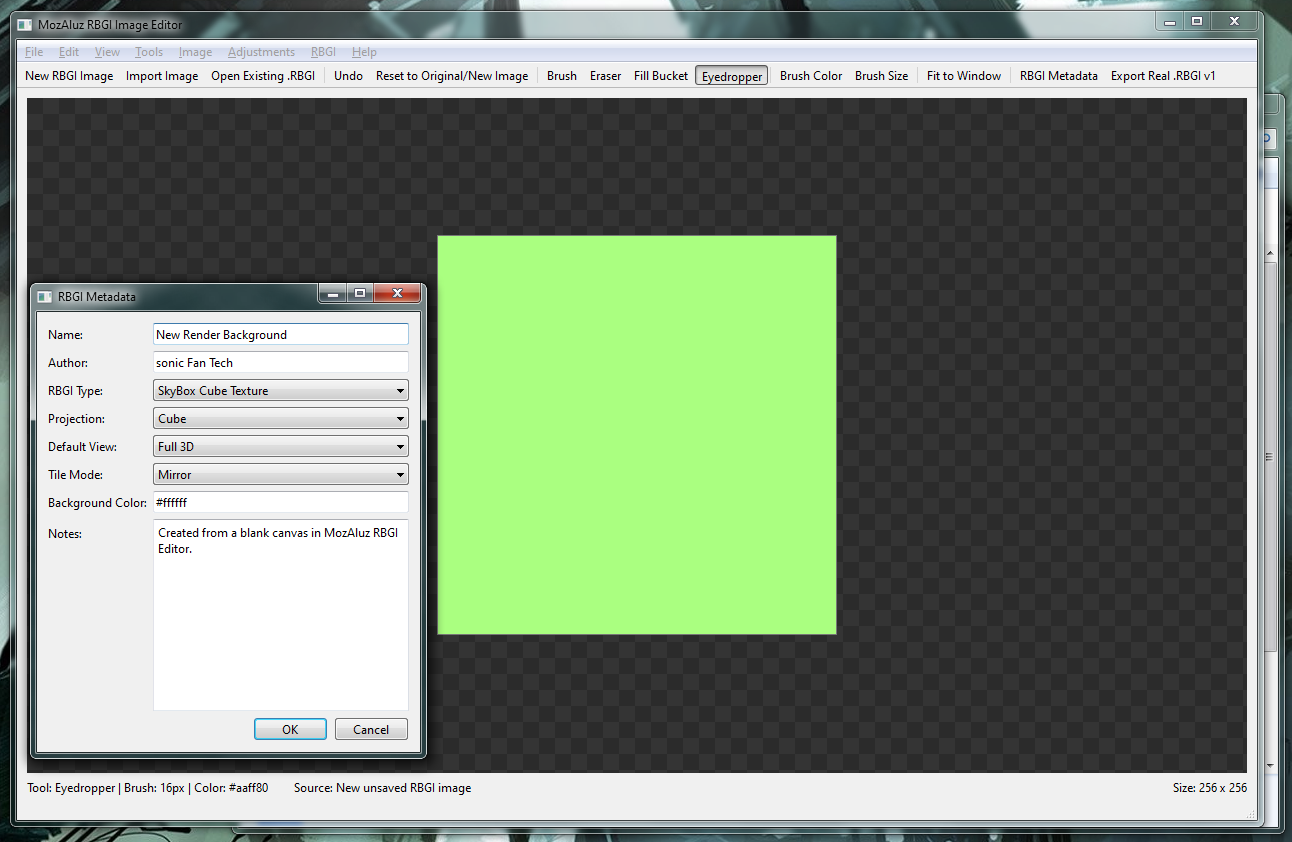
A Paint.NET-style basic image editor for making new RBGI files, importing images, drawing on a canvas, editing metadata, and exporting real RBGI v1 files.
A shared format library used by both the Viewer and Editor. It keeps the RBGI read/write logic in one place so future tools can use the same format system.
The custom file type
.RBGI means Render Background Image. In early versions,
an RBGI file could simply be a PNG file renamed to .RBGI. MozAluz RBGI Tools
still supports those legacy files, but v1.0.0 also supports a real RBGI v1 container.
A real RBGI v1 file can hold image data and metadata together. That means your render background can describe what it is meant for, what type of image it is, what projection mode it uses, what default viewer mode it should open with, and other notes for tools.
Magic: RBGI
Version: 1
Metadata: JSON
Image Data: PNG bytes
Use Case: Render background / SkyBox
Preview and inspect
The Viewer is made for opening RBGI files quickly and seeing how they look in multiple render styles. It is useful for checking a render background before using it inside another program, such as a Source BSP viewer, OpenGL tool, or future MozAluz editor feature.
Displays the image normally, like a standard image viewer.
Draws the image as a flat OpenGL plane that you can rotate to test angle and depth.
Uses the image on a 3D square/cube-style preview for checking SkyBox-like use cases.
Shows size, format type, version, RBGI mode, and JSON metadata when available.
Create and edit
The Editor is a separate program from the Viewer. It is built to feel more like a real image editor, while still staying simple enough for early RBGI file creation. It can create a blank RBGI image, import normal images, draw on the canvas, edit colors, and export to the real RBGI v1 format.
Create a blank canvas with custom size, color, and RBGI metadata.
Paint simple pixels or erase areas on the transparent checkerboard canvas.
Fill large areas with a chosen color for fast background creation.
Pick a color directly from the canvas and use it as the brush color.
Apply grayscale, invert, sepia, tint, brightness, contrast, saturation, and shade/posterize changes.
Set RBGI name, author, type, projection, tile mode, background color, default view mode, and notes.

Screenshots
These screenshots show the v1.0.0 launcher, viewer, and editor in use.
The release download is the pre-compiled MozAluz RBGI Tools package. It includes the Launcher, Viewer, Editor, and SharedRBGIformat.dll, ready to run after extracting.
Download Pre-compiled Build.7z release file before running the launcher.MozAluz_RBGI_Launcher.exe to choose the Viewer or Editor.Future ideas
Real six-sided SkyBox RBGI files with front/back/left/right/top/bottom image slots.
More Paint.NET-like tools such as selection, move selected pixels, shapes, gradients, and layers.
File association installer support so double-clicking .RBGI opens the Viewer.
Use RBGI backgrounds directly inside Source BSP Explorer or other OpenGL render tools.