▣Room Select
Browse, search, and warp to rooms in the currently patched chapter.
A fan-made UMT CSX debugging menu for DELTARUNE Chapters 1–5
Browse, search, and warp to rooms in the currently patched chapter.
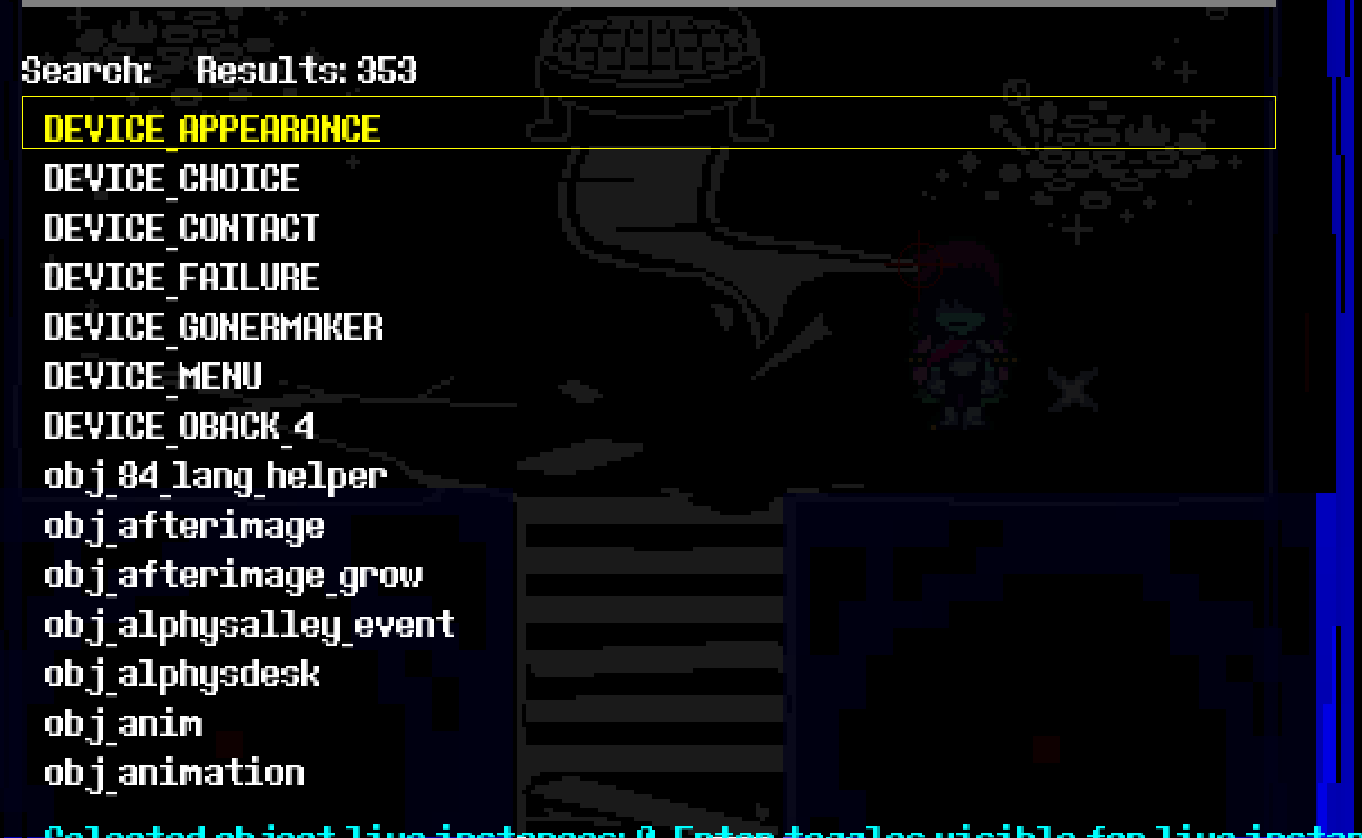
Draw collision boxes, object labels, room bounds, player markers, and layer visibility tests.
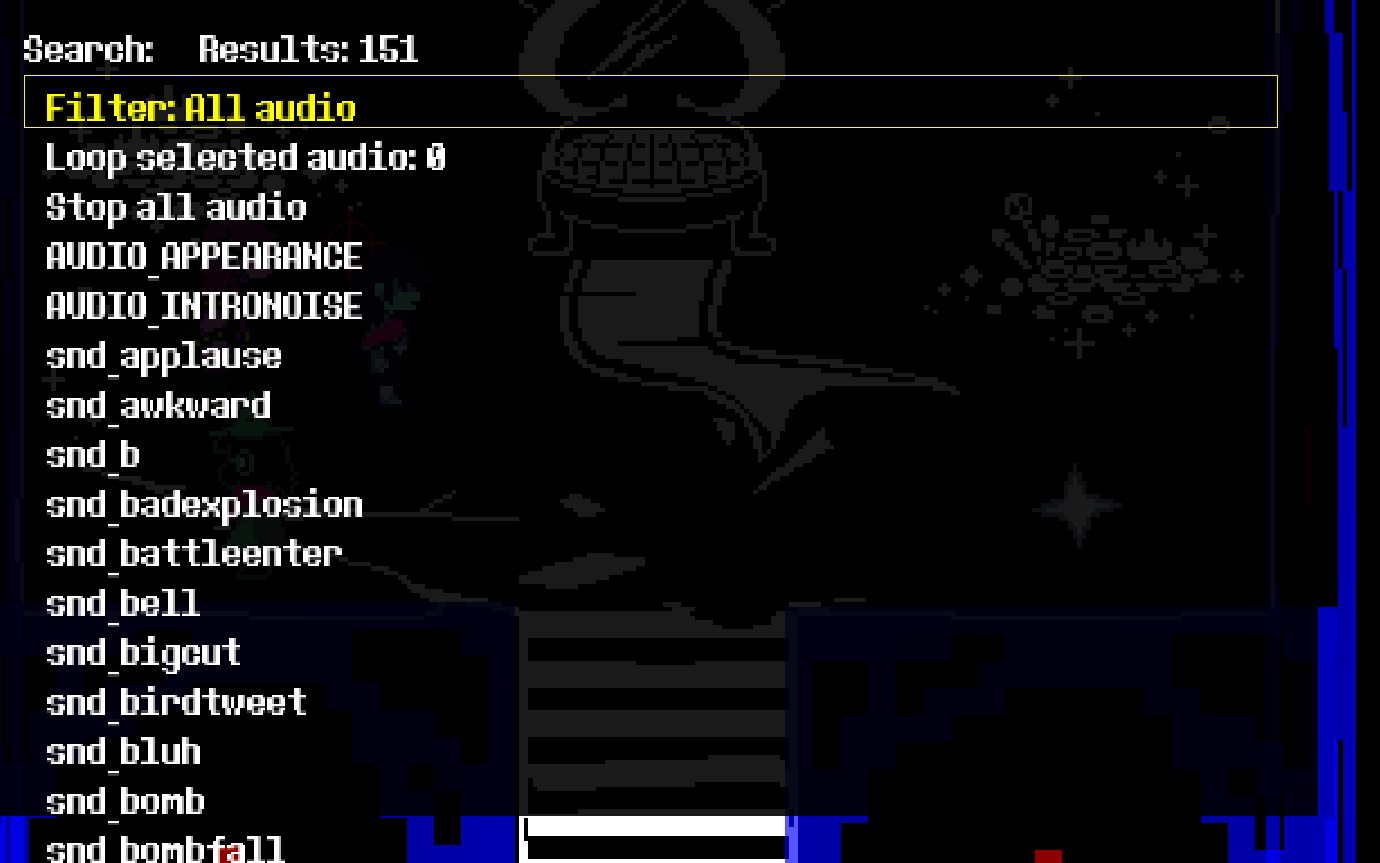
Search/play music and SFX from the loaded chapter, with stop/reset helpers.
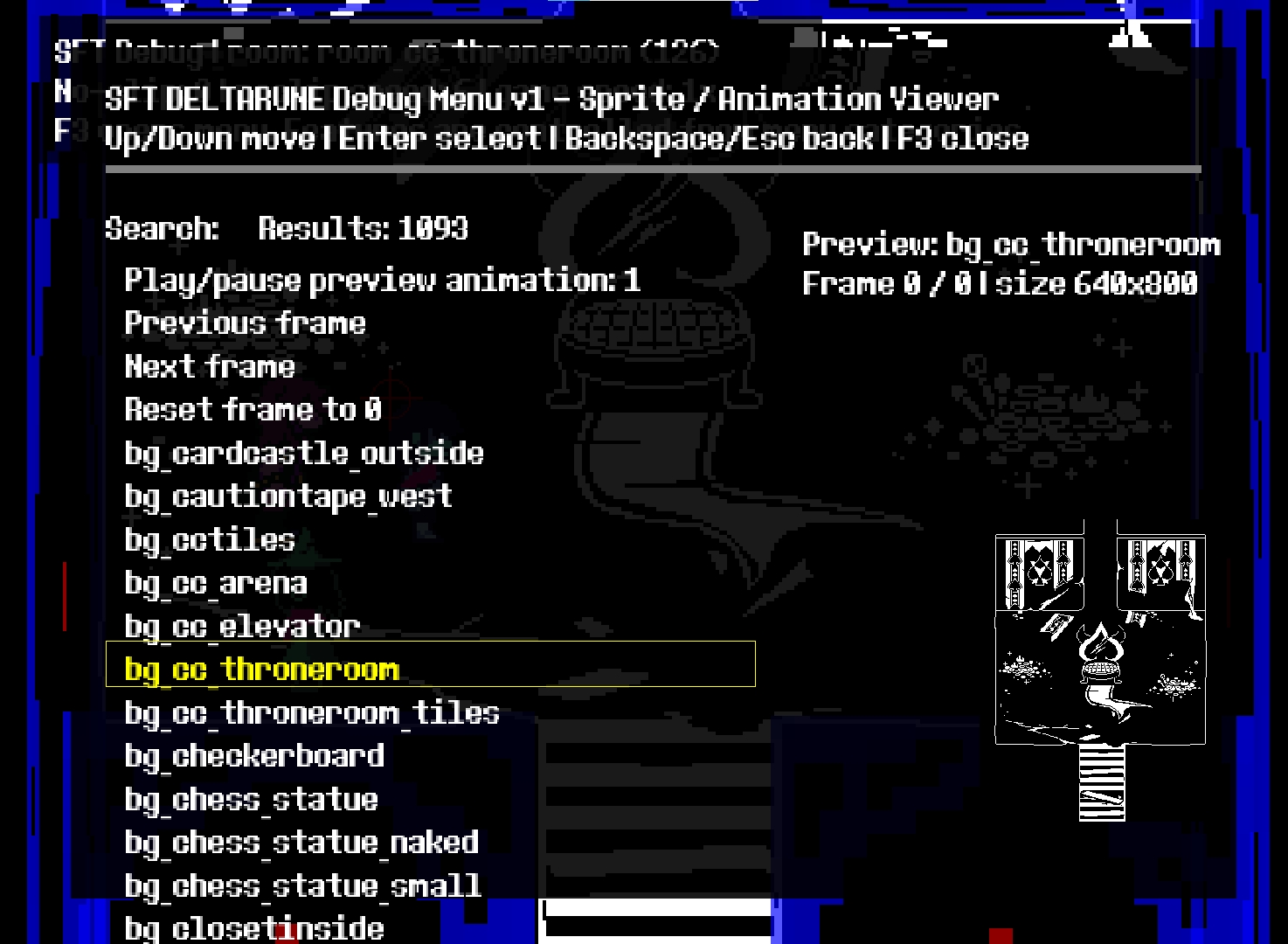
Search sprites, preview animation frames, frame forward/back, and inspect sprite sizes.
Move through walls and objects with adjustable no-clip speed.
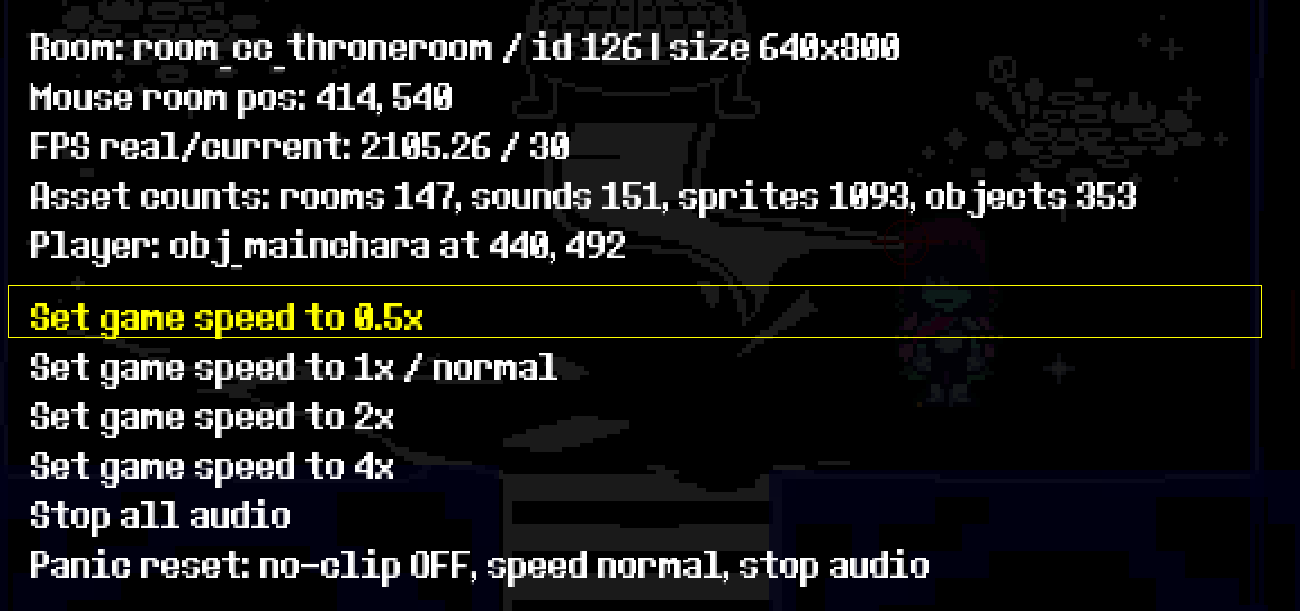
Safe generic battle/test room warps and runtime helpers for quick testing.
DELTARUNE_Debug_Menu_v1.csx.Some behavior can vary per chapter because each chapter has its own object/script/resource layout.
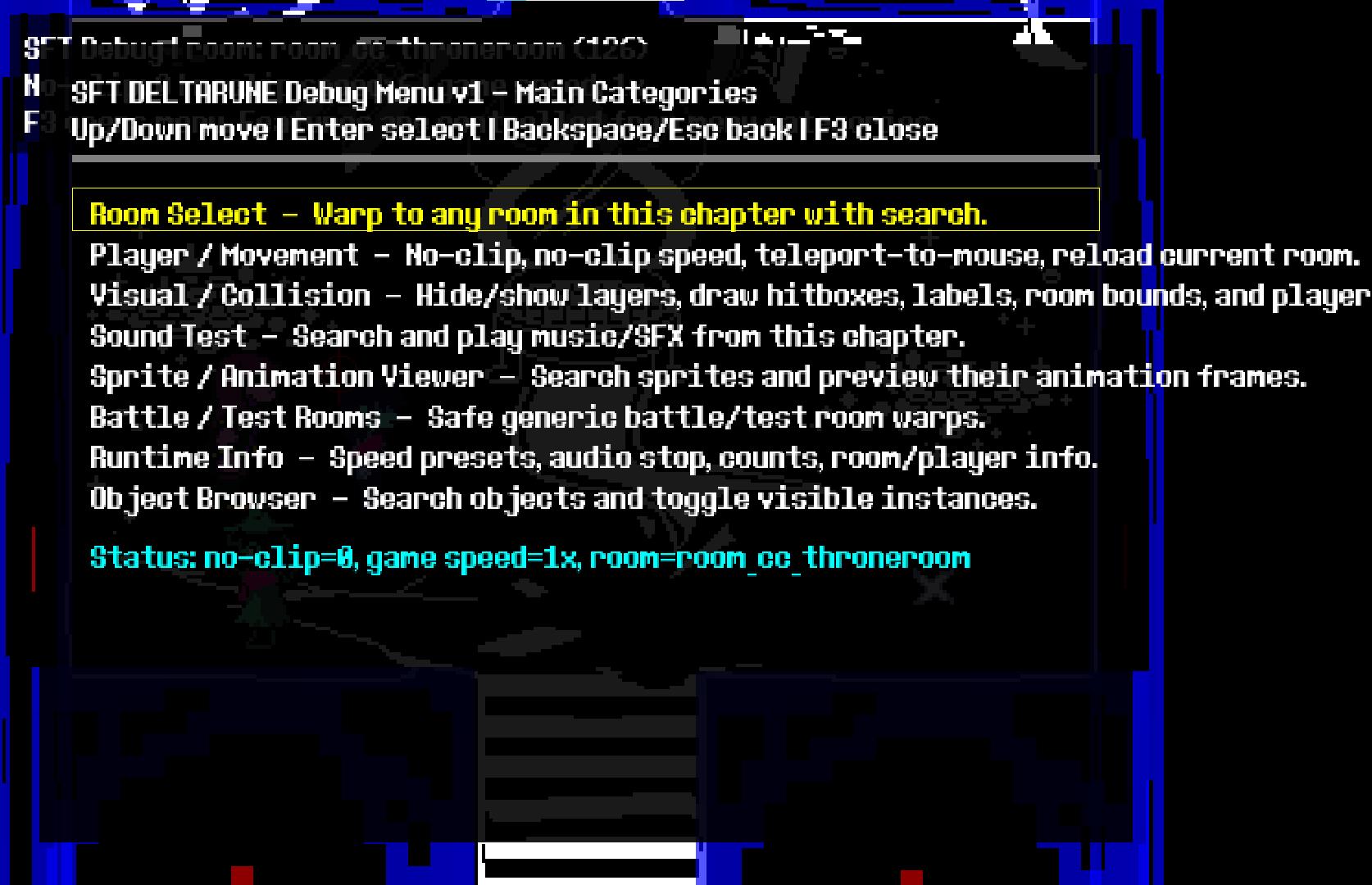 DDM Menu1Menu / Categories
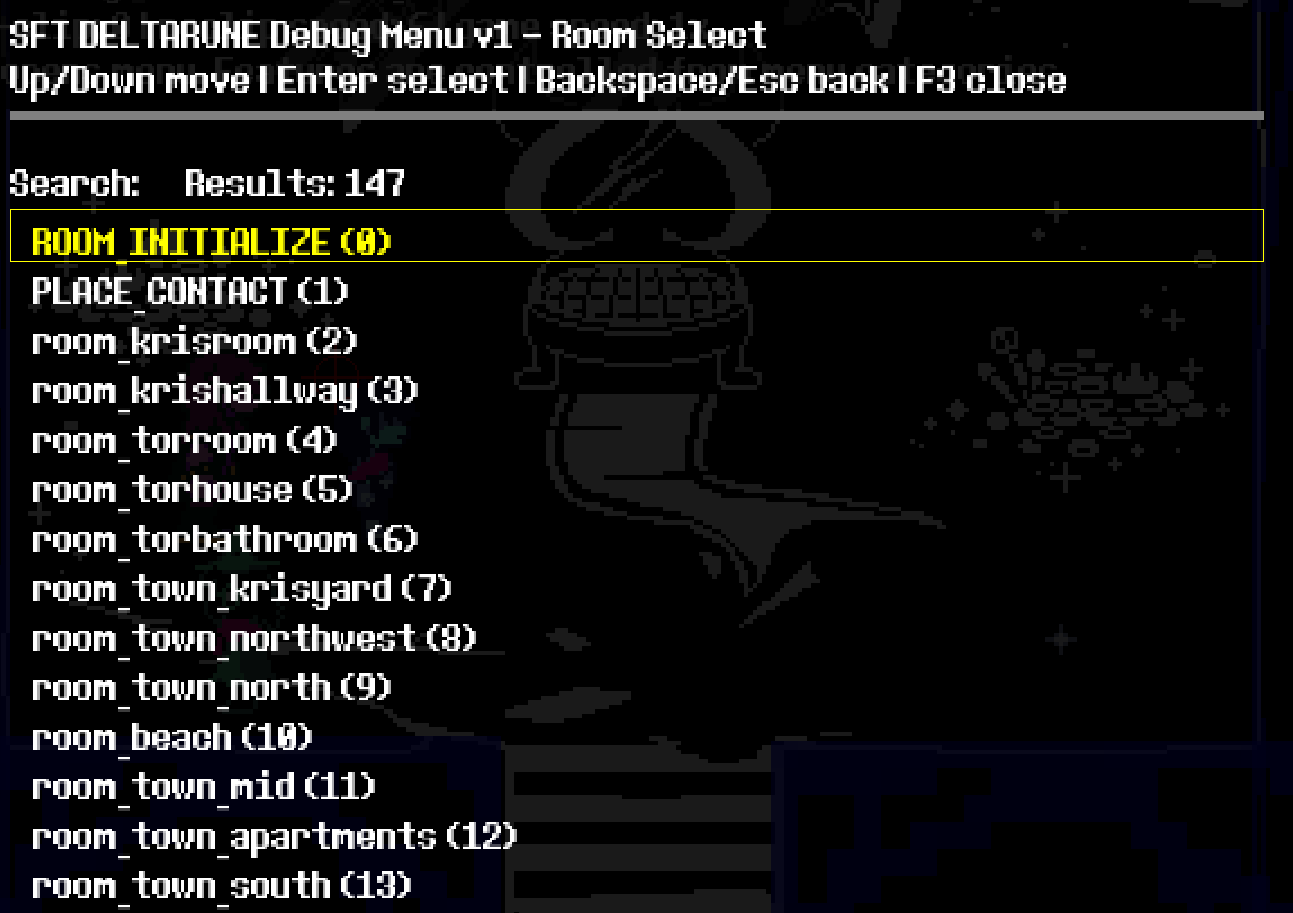 DDM Menu2Menu / Categories
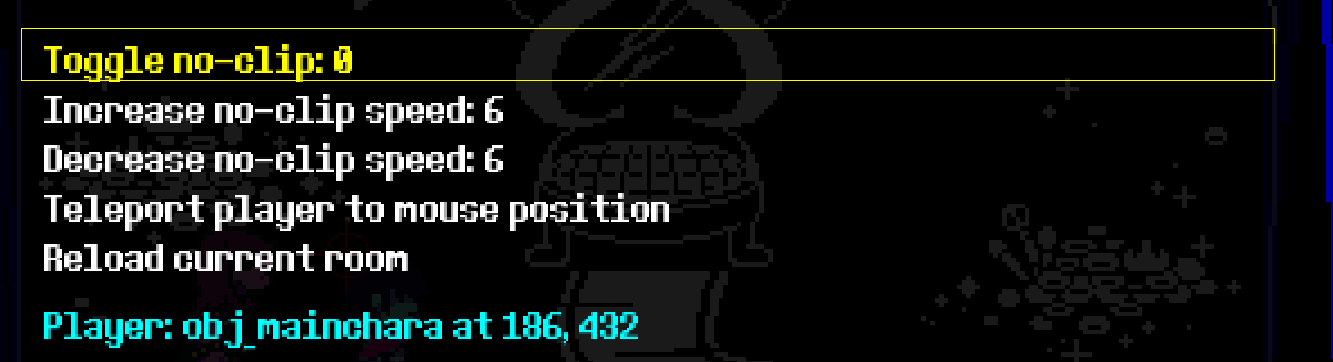 DDM Menu3Menu / Categories
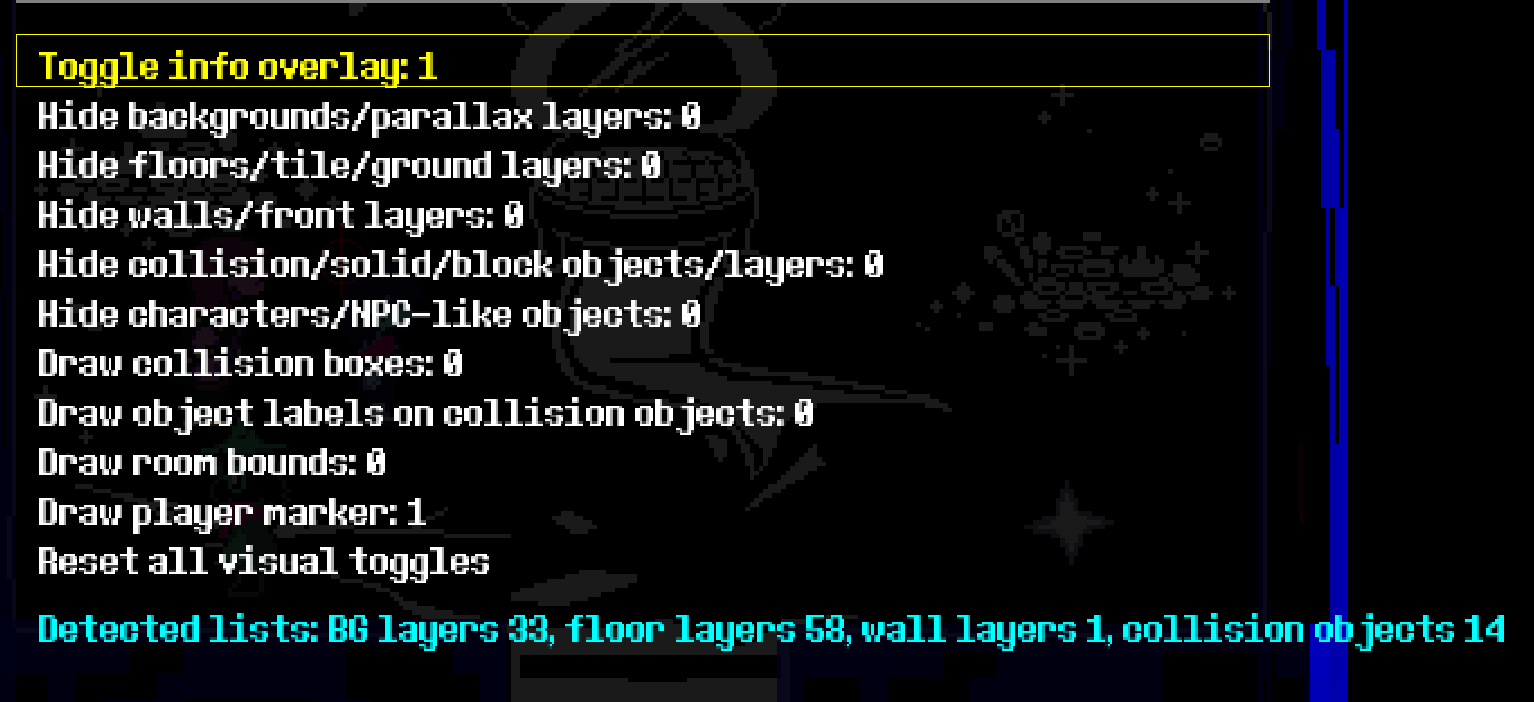 DDM Menu4Menu / Categories
 DDM Menu5Menu / Categories
 DDM Menu6Menu / Categories
 DDM Menu7Menu / Categories
 DDM Menu8Menu / Categories
 DDM Menu9Menu / Categories
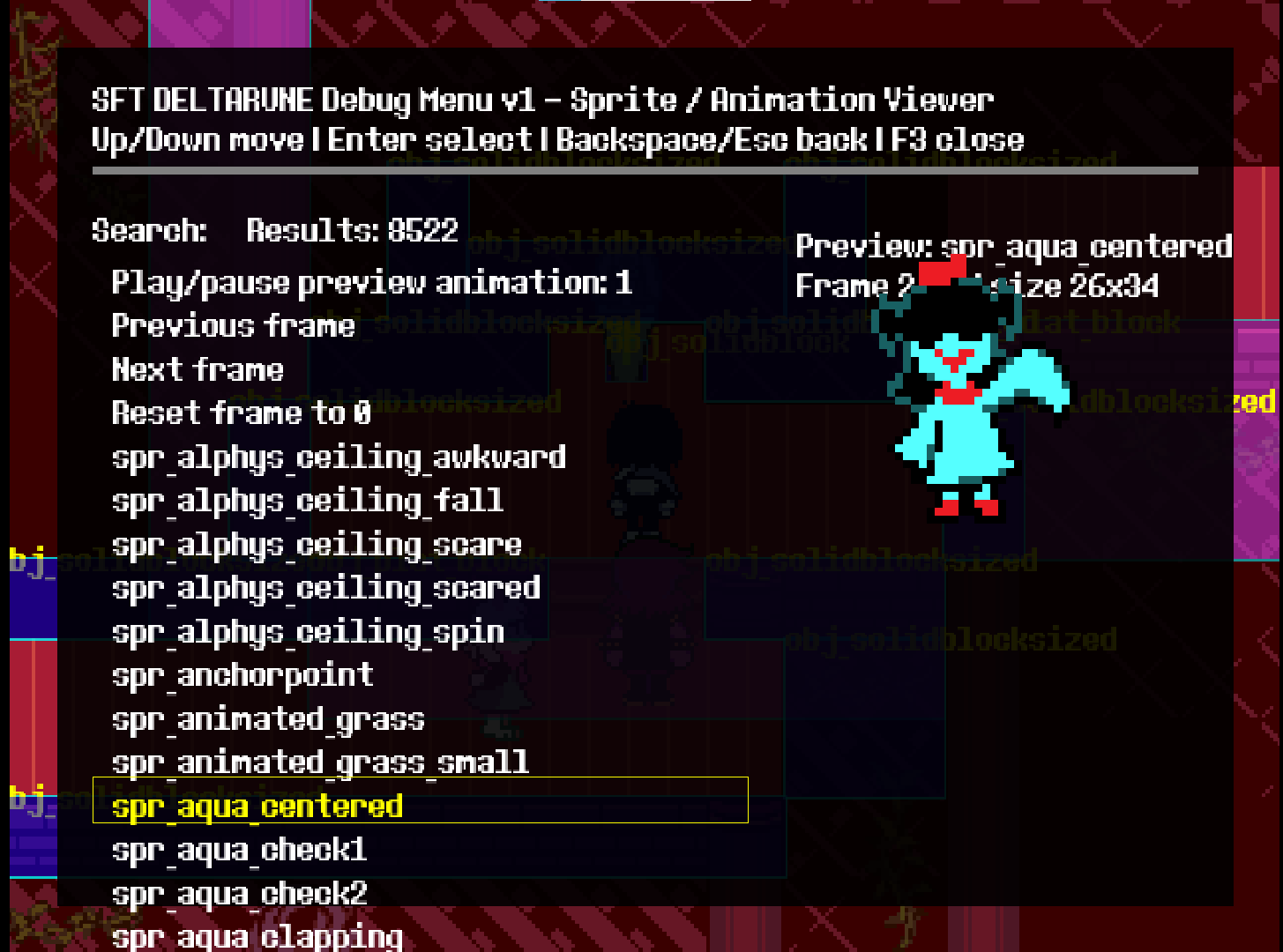 Spr 1Sprite Viewer
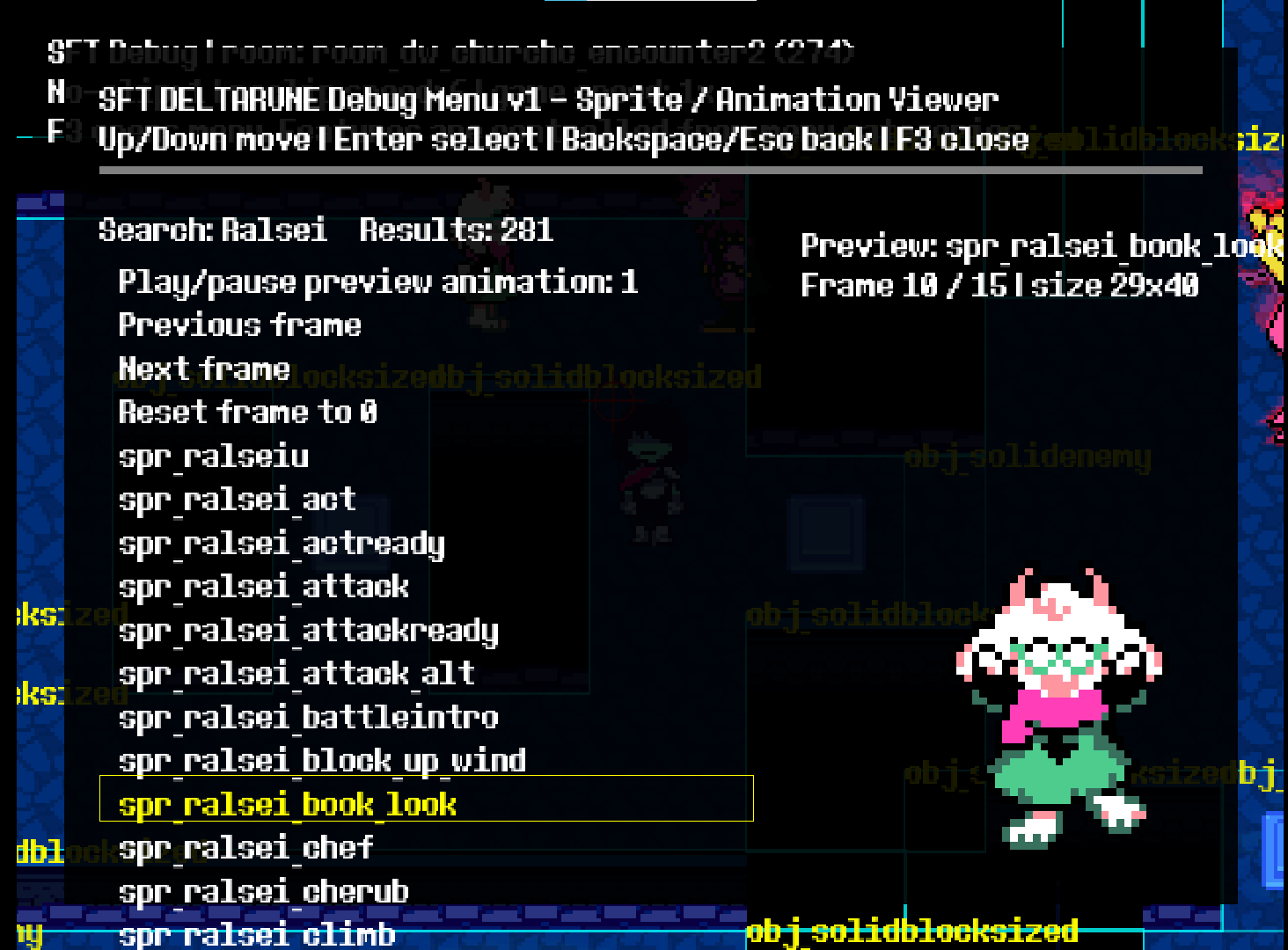 Spr 2Sprite Viewer
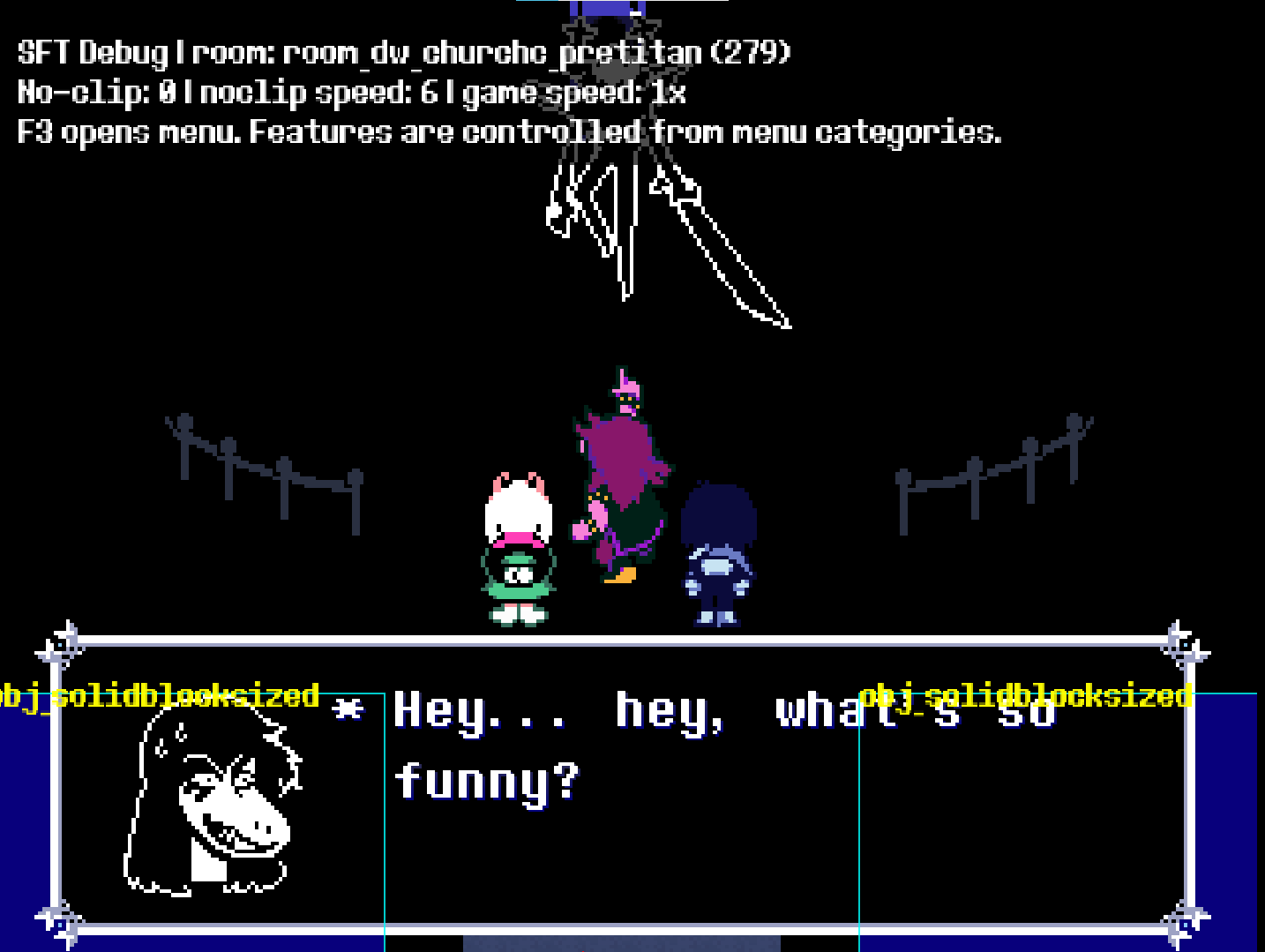 Vis Act1Visual / Collision
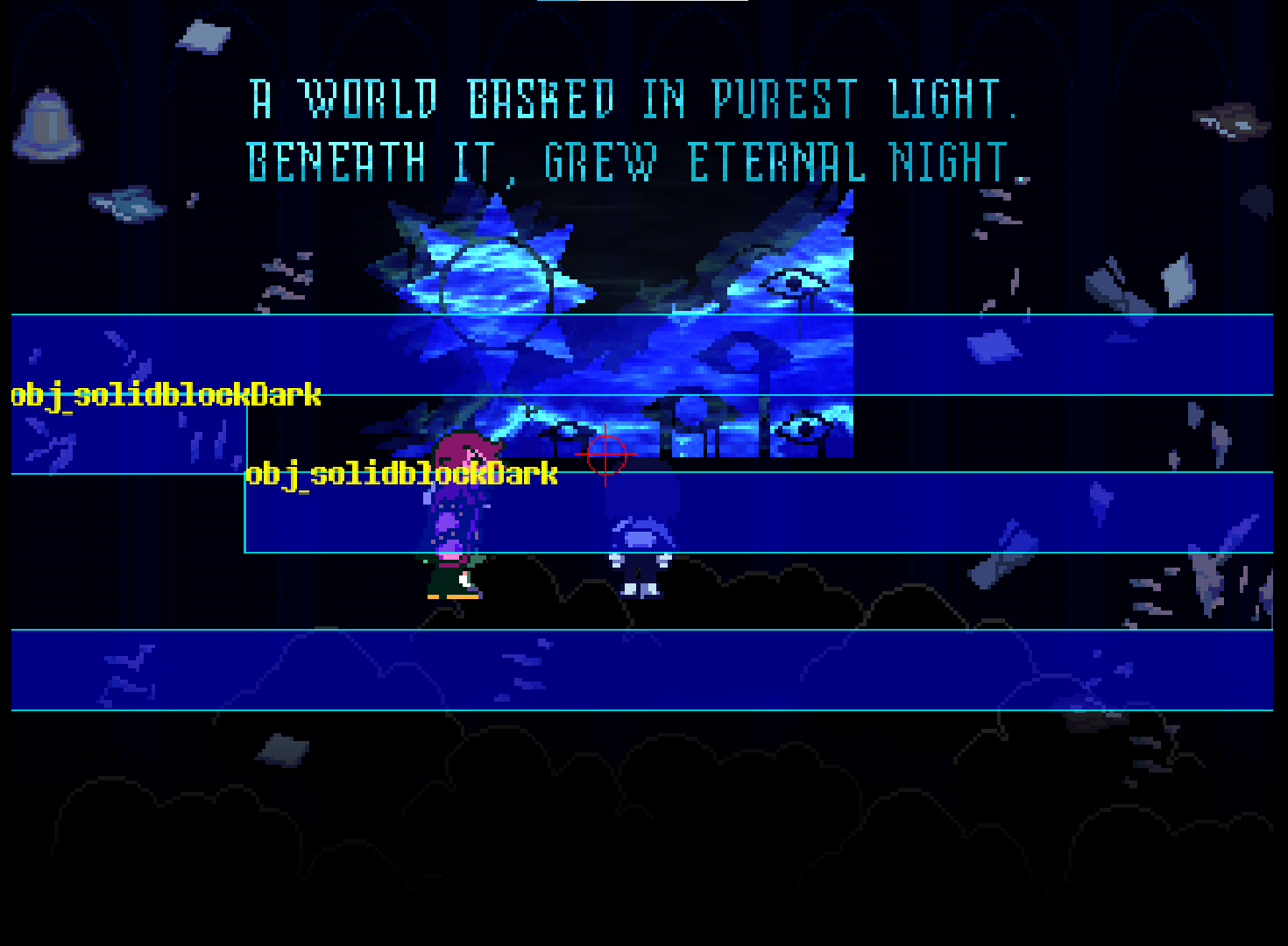 Vis Act2Visual / Collision
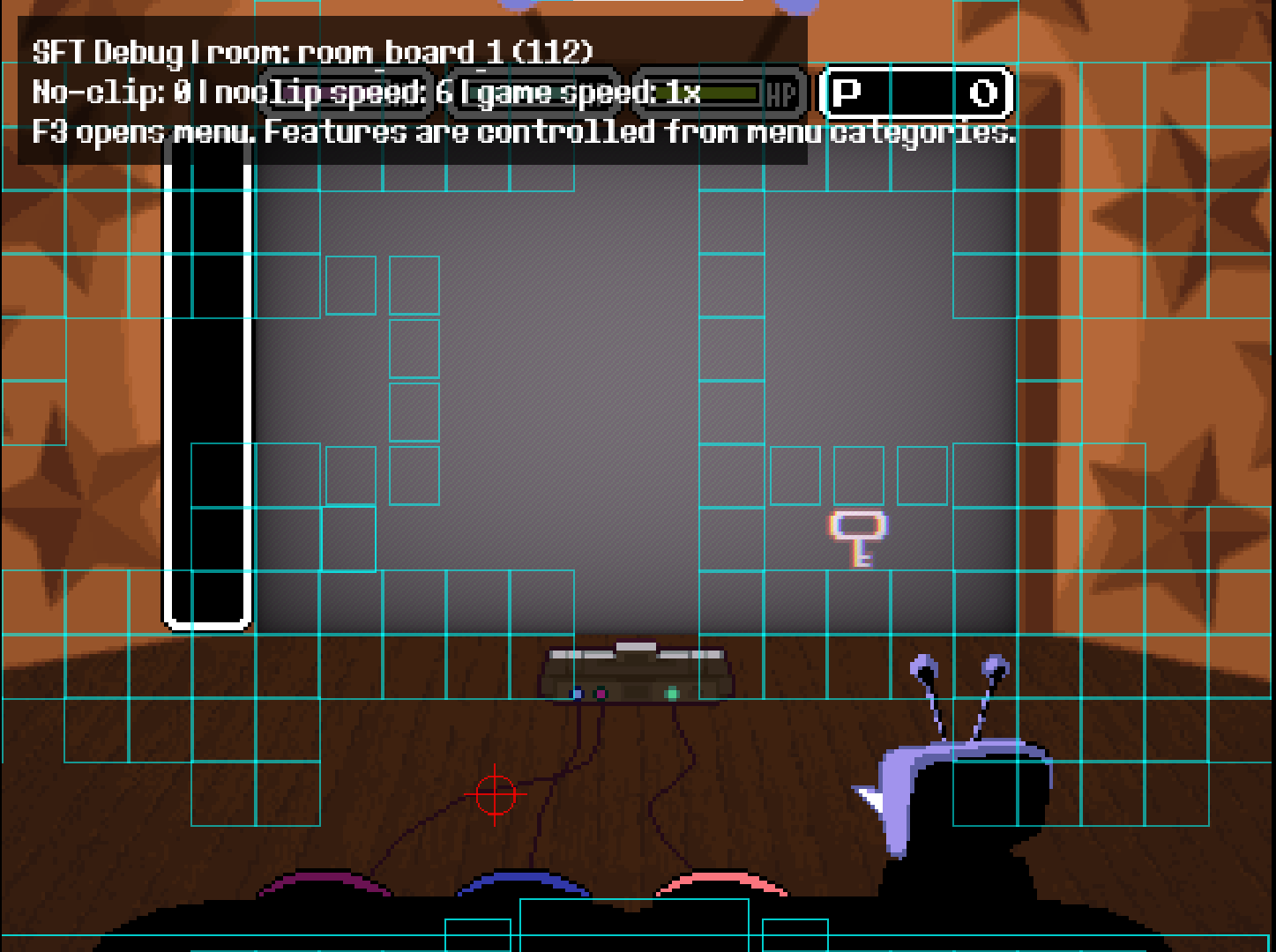 Vis Act3Visual / Collision
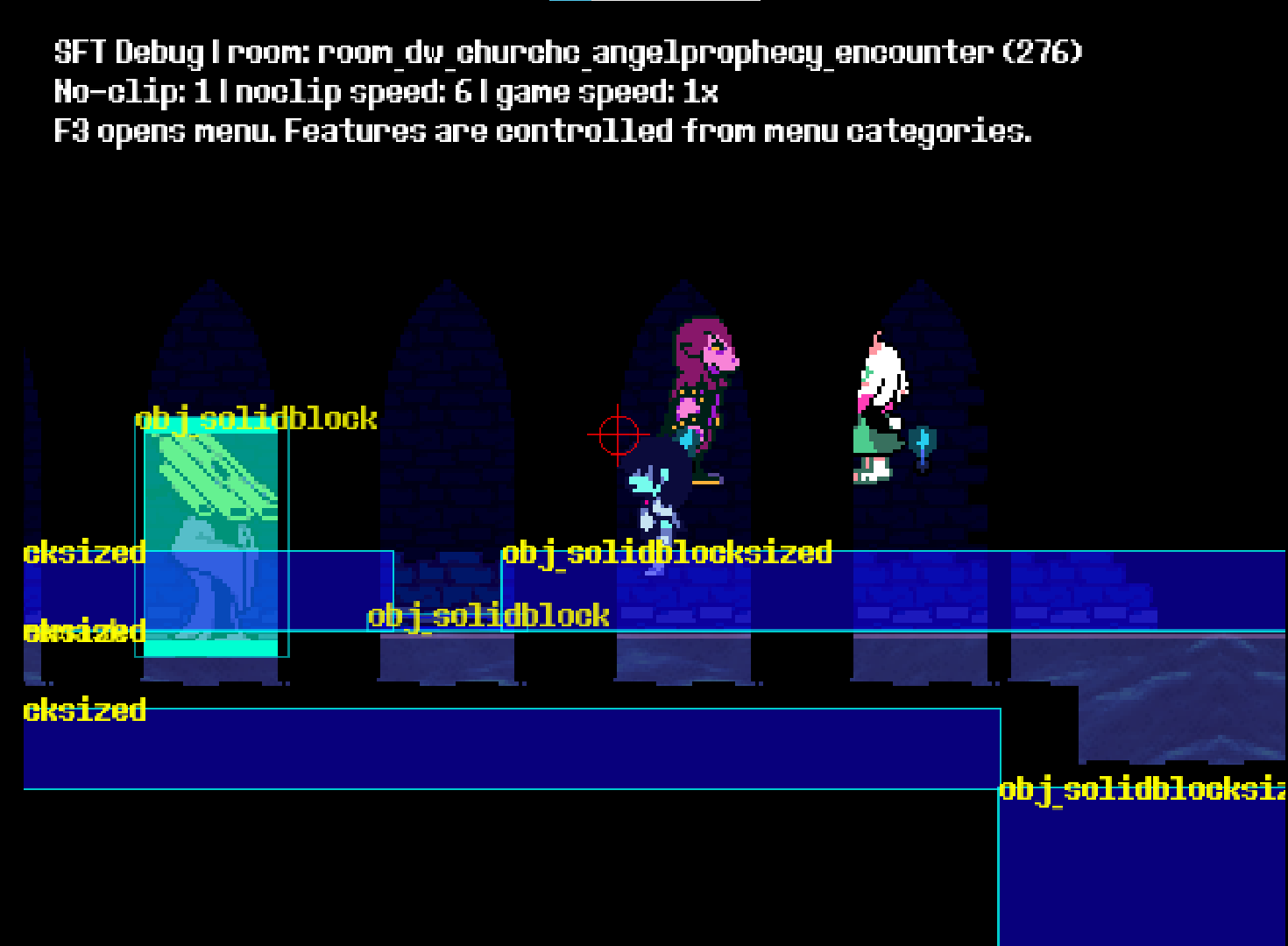 Vis Act5Visual / Collision